Description
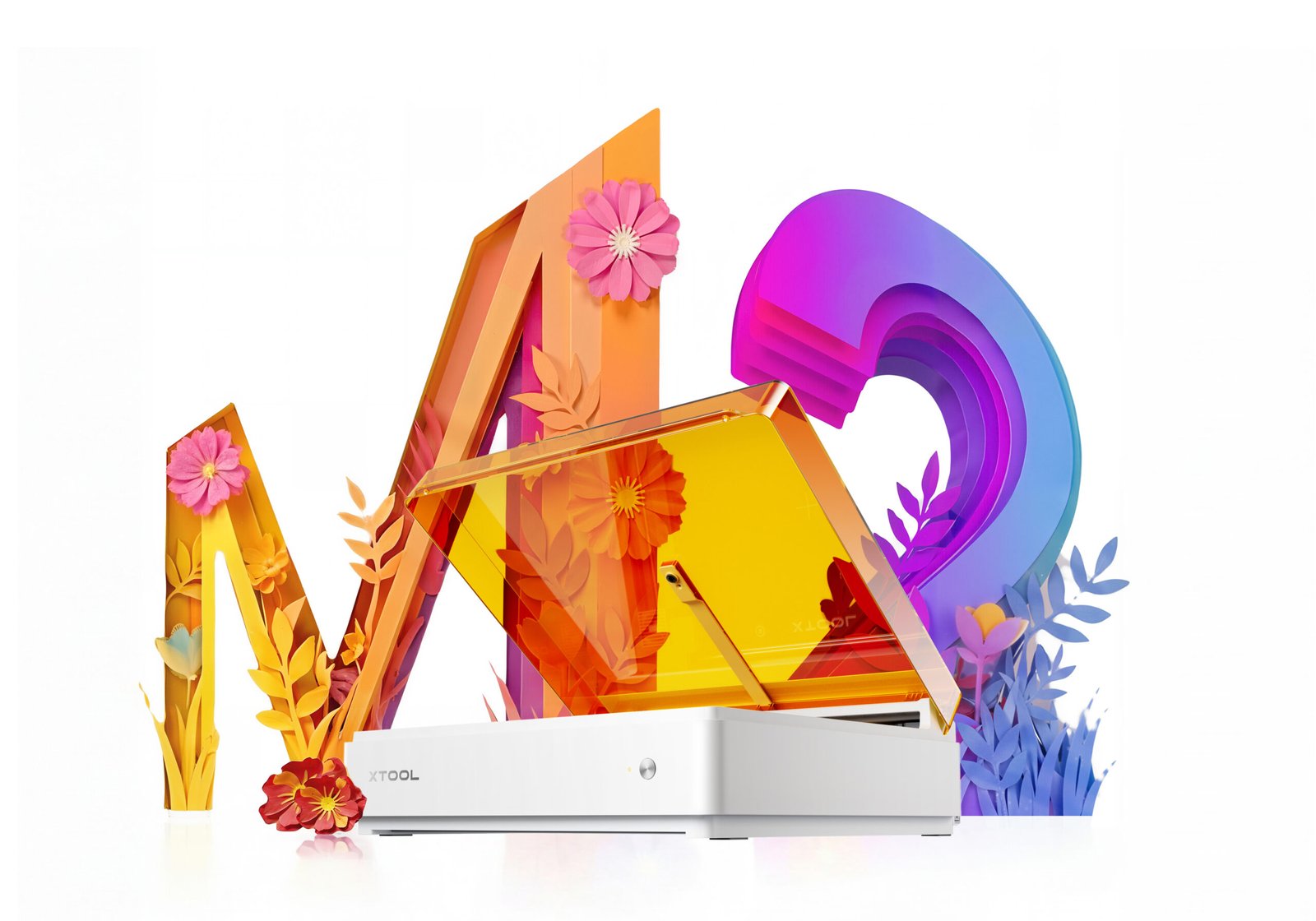
Print. Cut. Engrave. One Machine.
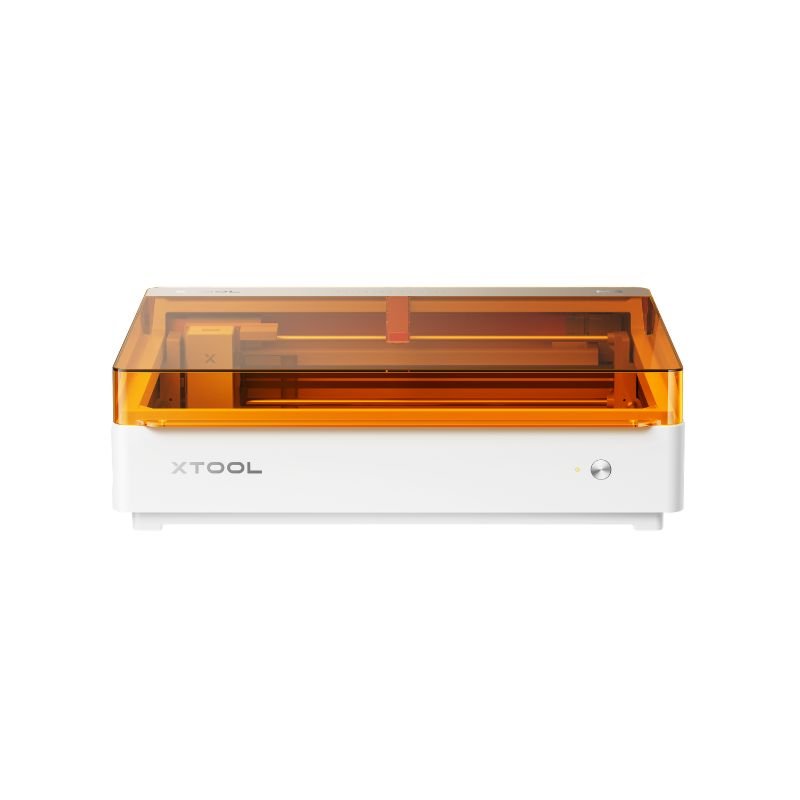
xTool M2 Laser Cyprus — 20W Color Craft Laser
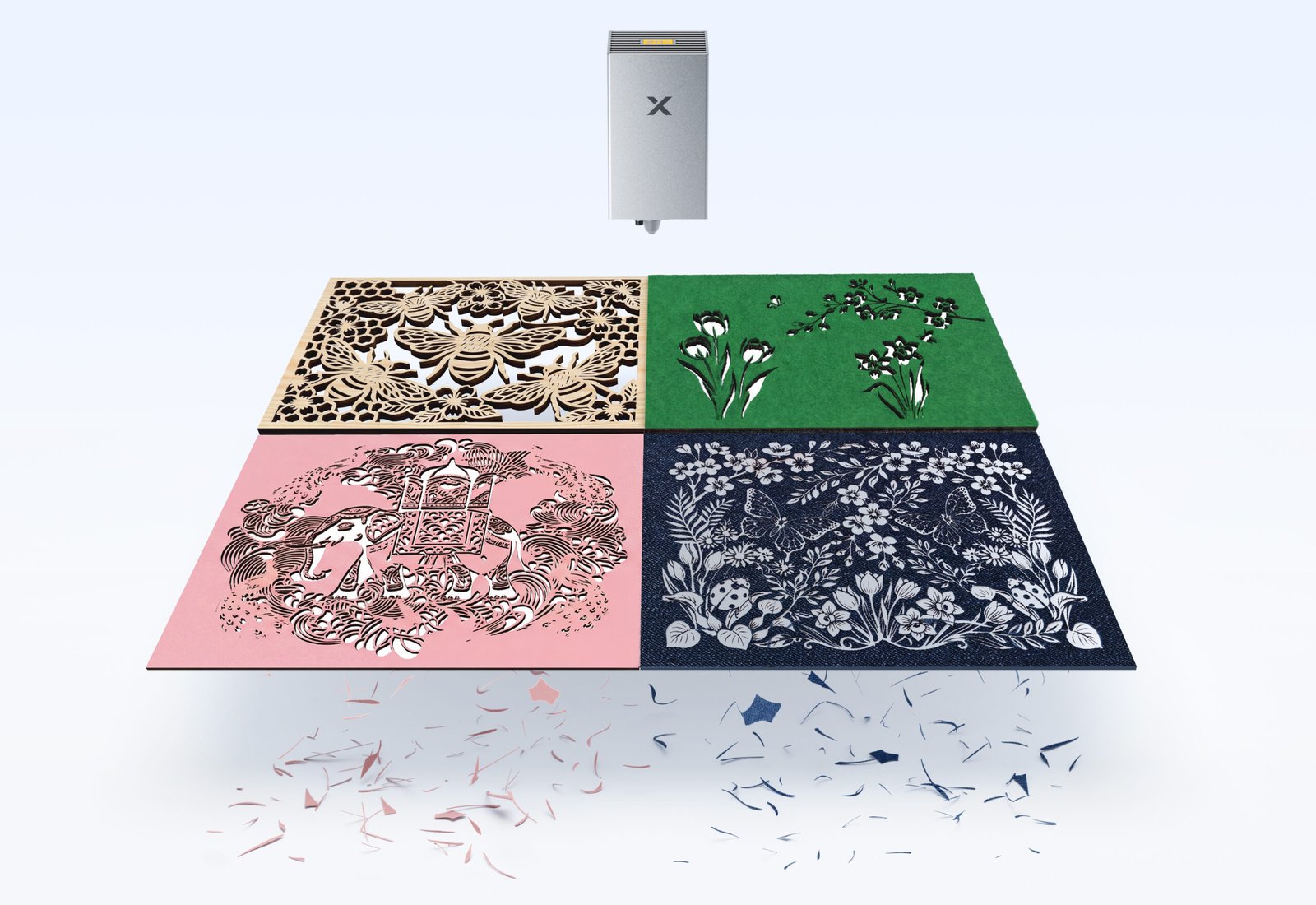
The xTool M2 transforms 300+ materials — cardstock, felt, leather, wood, acrylic and more — into personalised pieces, combining full-colour printing, precision cutting, and custom engraving in a single enclosed machine.
Because printing and cutting sync automatically, there’s no manual alignment, no switching between devices, and no wasted material figuring out where a design lands.

Print, Then Cut — Automatically
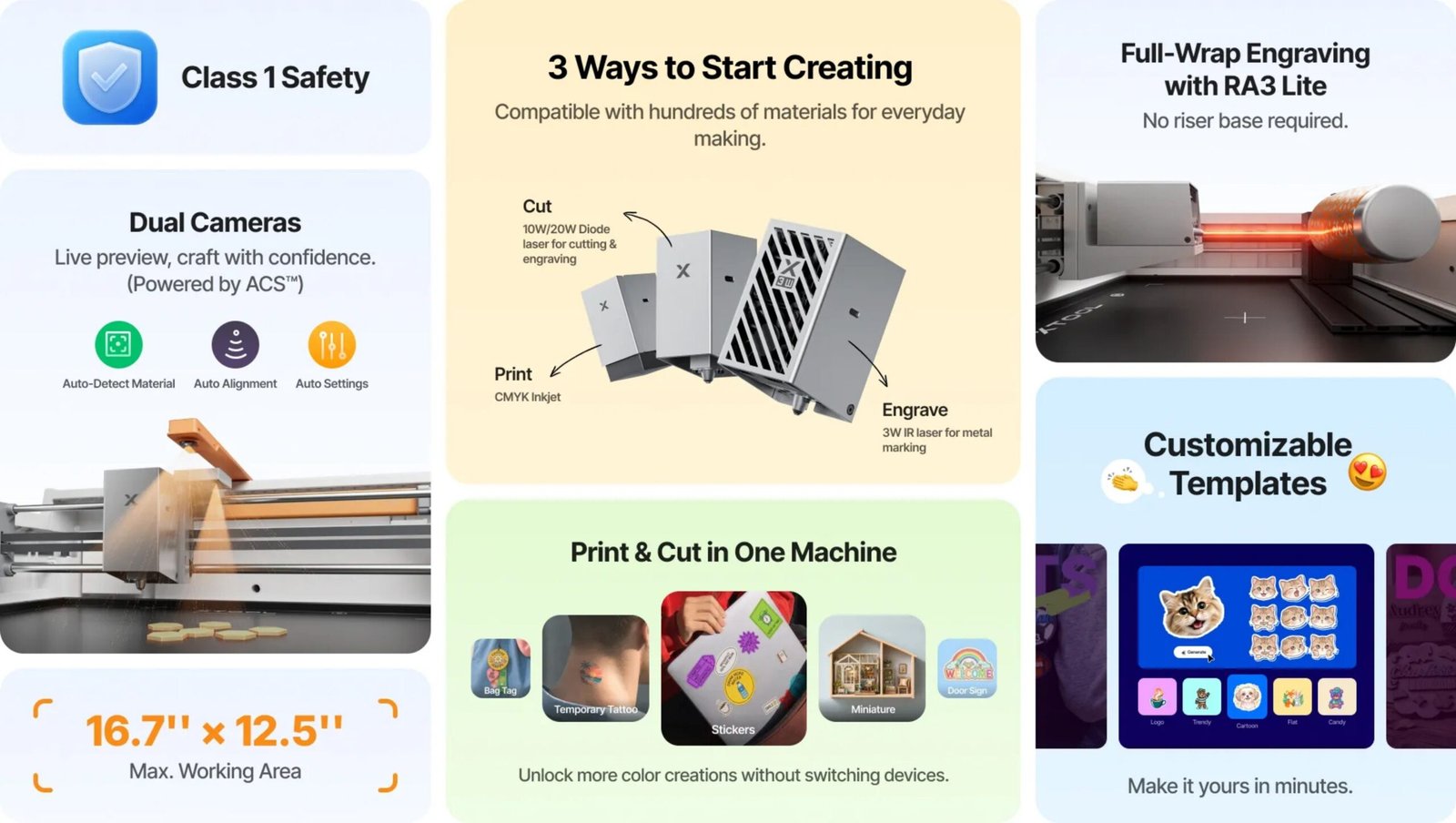
Since the M2 syncs printing and cutting in one workflow, your design lands exactly where it should without manual alignment.
Dual-Camera “Place & Go”
Because the built-in cameras preview your workspace in real time, you place material and go — no guesswork, no wasted stock.
20W Cuts Real Thickness
It handles up to 10mm basswood plywood and dark acrylic in a single pass, so thicker projects don’t need multiple runs.
Fully Enclosed, Class 1 Safe
Since the enclosed design meets Class 1 laser safety standards, it’s genuinely safe for home use without protective eyewear.
One Machine, Multiple Tools
Power Options for Every Project
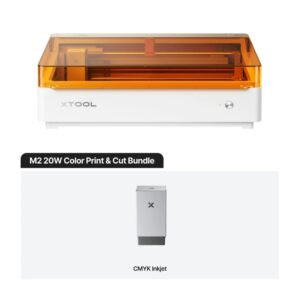
The M2 switches between a 10W or 20W blue diode laser, a 3W infrared laser for fine metal and plastic engraving, and a CMYK inkjet module for full-colour printing directly onto wood, paper, acrylic, and fabric. Because each module swaps in and out easily, one machine adapts to whatever the project needs, rather than sitting idle between very different jobs.
Since the ink is water-based, finished pieces should stay away from water to preserve colour — worth mentioning to customers printing anything that’ll see regular handling or moisture.
xTool Studio: Settings That Just Work
Rather than guessing material settings from scratch, xTool Studio gives you a library of 1,300+ materials with over 110,000 tested parameter combinations — find your material, and start with settings that are already proven to work. It also includes a design library of 3,000+ icons, illustrations, patterns, and 1,500+ fonts, plus tools for background removal, edge tracing, smart nesting, and batch production.
Because the software runs on Windows, macOS, and mobile, you’re not tied to one computer to design or send a job to the machine.
Who the M2 Is For
Since it combines safety, ease of use, and genuine print-and-cut capability, it suits a wide range of makers and small businesses.
Technical Specifications
| Specification | Details |
|---|---|
| Laser Module | 20W blue diode (455nm), 10W and 3W IR modules also available |
| Work Area | 426 × 320 mm |
| Max Head Speed | 600 mm/s |
| Cutting Capacity (20W, single pass) | Up to 10mm basswood plywood, up to 8mm dark acrylic |
| Rotary Engraving | Direct 0–100mm cylindrical engraving, no riser base required |
| Camera System | Dual-camera real-time preview with ACS (Automated Creation System) |
| Safety Classification | Class 1, fully enclosed — safe for home use |
| Air Assist | Built-in air pump, adjustable power output (no external port) |
| Machine Dimensions | 610 × 569 × 180 mm |
| Weight | 12.3 kg |
| Power Input | 100–240V adapter, 200W max — compatible with Cyprus mains power |
| Software | xTool Studio (Windows, macOS, mobile) |
Materials to Avoid
Never laser PVC, PC (polycarbonate), or leather and foam of unknown composition. Materials like these can release harmful fumes when lasered. Always check xTool’s Material Cheat Sheet or the built-in material library before working with anything you’re unsure about.
What’s in the Box?
- xTool M2 machine with 20W diode laser module installed
- Power supply and cable
- USB cable and adapter
- Smoke exhaust pipe and clamp
- Protective product packaging
The CMYK inkjet module and 3W IR laser are sold separately as add-on modules. Contents may vary slightly by bundle.
xTool M2 — Delivered Across Cyprus
xTool M2 20W Color Craft Laser Cutter is available from The 3D Factory, so wherever you are in Cyprus — Nicosia, Limassol, Larnaca, Paphos or Famagusta — we can deliver it to you.
As a team with hands-on laser cutting experience ourselves, we’re happy to help you choose the right modules and materials for your specific project before you buy.
Related Products and Official Resources
xTool M2 — FAQ
Is the xTool M2 safe to use at home?
Yes. It’s Class 1 certified and fully enclosed, so it’s compliant with home-safe laser standards during normal operation — no protective eyewear needed.
What’s the difference between the 10W and 20W versions?
The 20W module cuts thicker materials in a single pass — up to 10mm basswood plywood — and works notably faster than the 10W. If your projects involve thicker wood or acrylic, the 20W is the better long-term choice.
Can it print in colour and then cut the same design?
Yes, that’s the M2’s core feature. With the CMYK inkjet module installed, it prints a full-colour design directly onto the material, then cuts or engraves it in the same synced workflow.
What materials can it cut and engrave?
Over 300 materials are supported, including wood, leather, felt, paper, fabric, and acrylic for cutting, plus metal for engraving (not cutting) with the right module. Some materials — like PVC, polycarbonate, and unknown-composition leather or foam — should never be lasered.
Do I need an external air pump or ventilation?
An air pump is built in, so no external pump is needed — and the M2 doesn’t support connecting a third-party one. For regular use, a desktop air purifier is recommended; for frequent cutting or stronger-odour materials, a higher-filtration purifier is worth adding.
Is the xTool M2 available in Cyprus?
Yes, The 3D Factory stocks it and delivers across Cyprus.