Description
Two Surfaces. One Flexible Plate.
Bambu Dual PEI Plate – Textured and Smooth Printing Surfaces
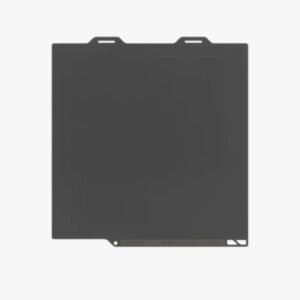
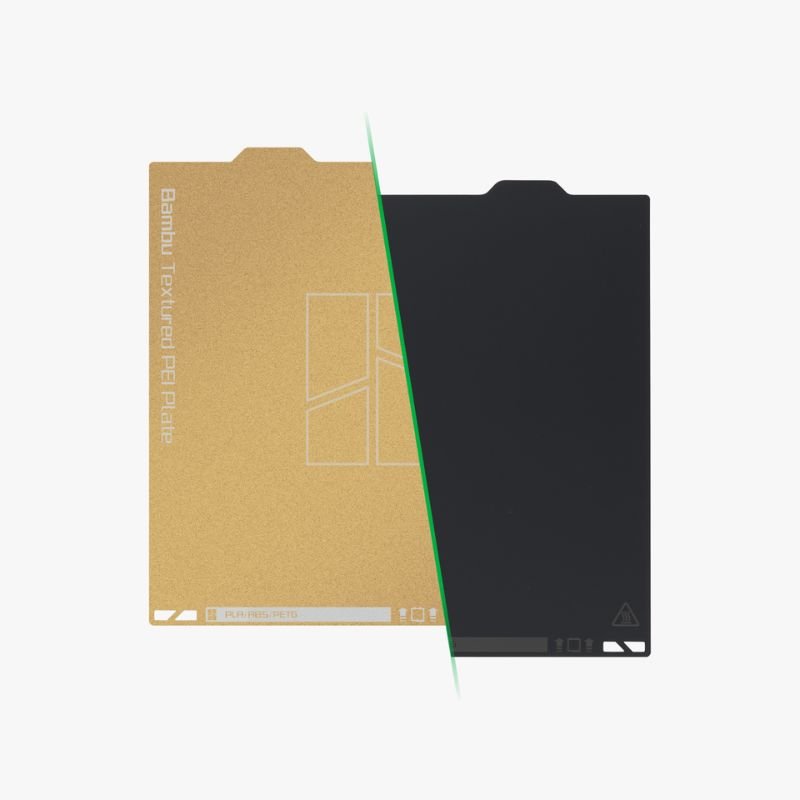
The Bambu Dual PEI Plate gives you two useful print surfaces in one convenient build plate: textured PEI on one side and smooth PEI on the other.
Switch between strong first-layer adhesion, easy model release and two different bottom finishes without buying or storing two separate plates.
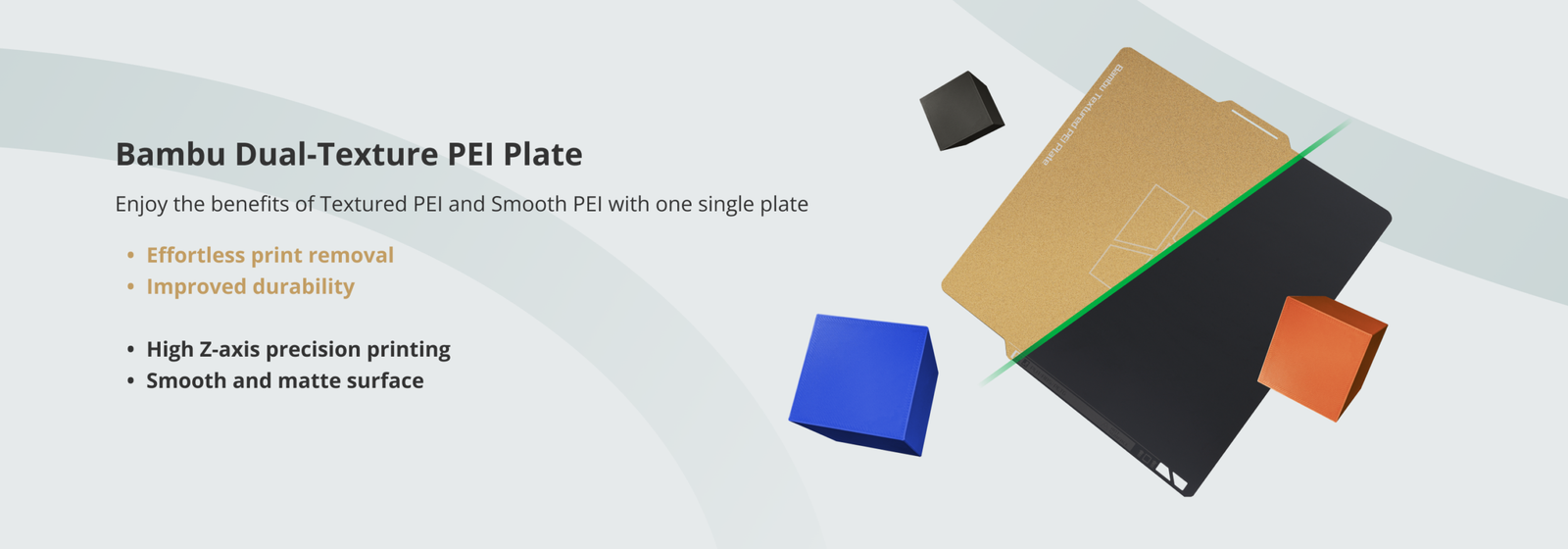
Dual-Sided Design
Use textured PEI for dependable grip or smooth PEI for a flat, matte bottom surface.
Strong First Layer
The PEI surfaces help the first layer remain secure during printing.
Easy Print Release
Allow the plate to cool, then flex it gently to remove the finished model.
Magnetic Steel Core
The spring-steel construction sits securely on the printer’s magnetic heatbed.
Flexible Everyday Printing
Two PEI Textures in One Build Plate
One side of the plate features textured PEI, while the opposite side uses a smooth PEI sheet. Therefore, you can select the surface that best matches the model, material and desired finish.
The magnetic stainless-steel core remains flexible enough for easy model removal while holding securely to the printer’s magnetic platform.
This dual-purpose design reduces the need to keep changing between separate build plates and makes the printer more versatile for everyday projects.
Smooth PEI Surface
High Z-Axis Accuracy and a Smooth Matte Finish
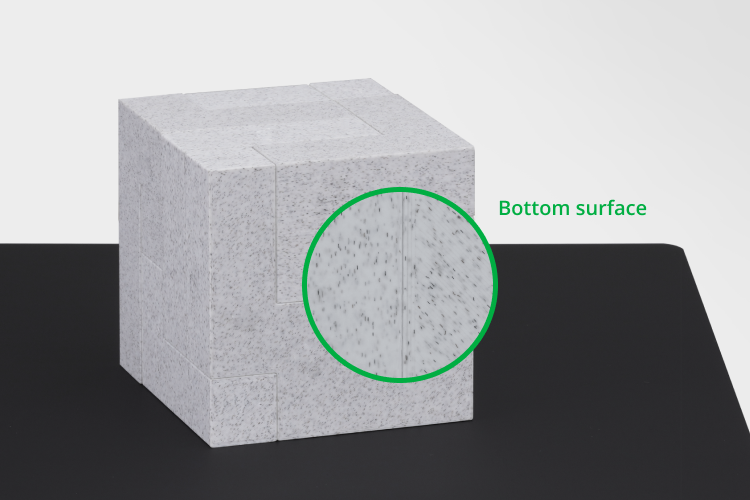
The smooth PEI side provides a flat surface that supports accurate first-layer positioning and consistent vertical dimensions.
In addition, the selected matte PEI sheet transfers a smooth, low-gloss texture to the bottom of the printed model.
This surface works particularly well for prototypes, visual models and functional parts that need a clean base.
Textured PEI Surface
Strong Adhesion with Easy Release After Cooling
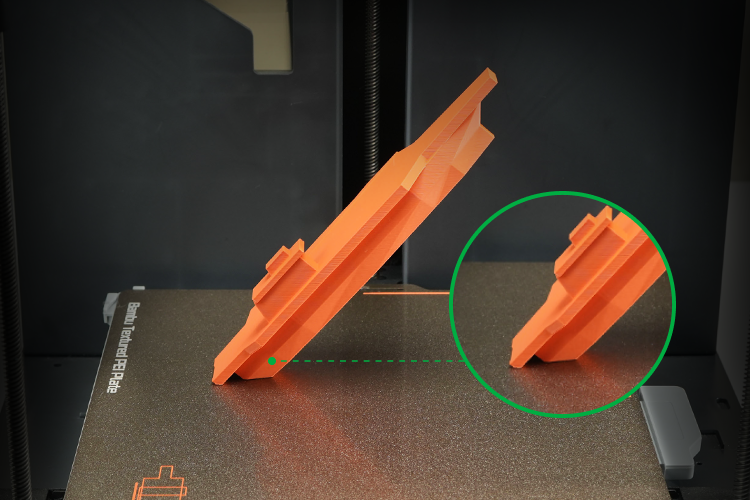
The textured PEI side provides dependable first-layer grip and a distinctive textured finish on the bottom of the model.
In many cases, common materials such as PLA and PETG can print without adhesive on this surface. However, glue may still be required for specific materials or applications.
Once the heatbed reaches room temperature, printed parts usually release more easily. Therefore, always allow the plate to cool before removing a model.
Which Side Should You Use?
Smooth PEI
- Smooth, matte bottom finish
- Accurate first-layer height
- Ideal for clean presentation surfaces
- Glue required with selected materials
Textured PEI
- Textured bottom finish
- Strong first-layer adhesion
- Easy release after cooling
- No glue required for many common materials
Recommended Heatbed and Adhesive Settings
The following values provide a useful starting point. However, settings may need adjustment for the printer, filament brand, model and room conditions.
| Material | Heatbed | Smooth PEI Adhesive | Textured PEI Adhesive |
|---|---|---|---|
| PLA / PLA-CF / PLA-GF | 45–65°C | No | No |
| PETG / PETG-CF | 60–80°C | Glue stick or liquid glue | No |
| ABS / ASA | 90–100°C | Glue stick or liquid glue | No |
| TPU | 35–45°C | Glue stick or liquid glue | Glue stick or liquid glue |
| PVA | 45–60°C | Glue stick or liquid glue | No |
| PC / PC-CF | 90–110°C | Glue stick | Glue stick |
| PA / PA-CF / PAHT-CF | 90–110°C | Glue stick | Glue stick |
| PET-CF | 80–100°C | Glue stick or liquid glue | No |
ABS, ASA, PC, PA and other high-temperature materials are not recommended for A1 Mini where the required bed temperature exceeds its supported range.
Cleaning and Maintenance
Fingerprints, grease and dust reduce first-layer adhesion. For that reason, clean the plate regularly with warm water, ordinary dishwashing detergent and a clean sponge.
- Wash the plate with detergent and warm water
- Rinse thoroughly and dry with a clean paper towel
- Avoid touching the printing area after cleaning
- Do not use acetone because it can damage the PEI surface
- Allow the plate to cool before removing the model
- Use only suitable build-plate adhesives
If textured PEI adhesion declines after long use, careful treatment with fine 600-grit sandpaper may help restore the surface. Clean the plate thoroughly afterwards.
Fast Installation
Install the Plate in Two Simple Steps
- Align the plate with the fixed locating points on the printer platform, keeping the plate name facing you.
- Lower the plate carefully and allow it to attach to the magnetic heatbed.
Before printing, confirm that the plate sits flat and does not overlap the rear alignment points.
Select the correct build-plate type in Bambu Studio before starting the job.
Product Specifications
| Specification | 256 × 256 mm Version | A1 Mini Version |
|---|---|---|
| Material | PEI powder coating, magnetic stainless steel and smooth PEI sheet | |
| Usable Print Size | 256 × 256 mm | 180 × 180 mm |
| Textured PEI Thickness | 0.075 mm | |
| Smooth PEI Thickness | 0.125 mm | |
| Steel Plate Thickness | 0.4 mm | |
| Colour | Gold and charcoal grey | |
| Packaging Size | 300 × 270 × 17 mm | 220 × 190 × 15 mm |
| Packaging Weight | 0.45 kg | 0.23 kg |
Build Plate Care and Warranty Notice
A PEI build plate is a consumable component and its surface will gradually wear through regular printing, heating, cooling and model removal.
Warranty coverage normally applies to manufacturing defects rather than cosmetic scratches, dents, wear or damage caused during use.
Bambu Dual PEI Plate in Cyprus
The Bambu Dual PEI Plate is available from The 3D Factory with delivery across Nicosia, Limassol, Larnaca, Paphos and Famagusta.
We also supply compatible Bambu Lab printers, filament, liquid glue, replacement hotends and other build plates.
Related Products and Official Resources
Frequently Asked Questions
What is the difference between the two sides?
The smooth PEI side gives the model a smooth matte base and supports accurate first-layer positioning. The textured PEI side provides a textured base and strong first-layer grip.
Does the Bambu Dual PEI Plate require glue?
PLA generally does not require glue on either surface. PETG and several engineering materials require glue on the smooth side, while TPU and high-temperature engineering materials may require glue on both sides.
How should I clean the PEI plate?
Wash it with warm water, ordinary dishwashing detergent and a clean sponge. Rinse it well and dry it with a clean paper towel.
Can I clean the plate with acetone?
No. Acetone can damage the PEI surface and should not be used.
Why should I wait for the plate to cool?
Cooling reduces adhesion and allows most parts to release more easily. Waiting also reduces the risk of damaging the model or PEI surface.
Which printer version should I choose?
Choose the 256 × 256 mm version for compatible X1, P1 and A1 printers. Choose the 180 × 180 mm version for the A1 Mini.
Is the Bambu Dual PEI Plate available in Cyprus?
Yes. The Bambu Dual-Texture PEI Plate is available from The 3D Factory with local support and delivery across Cyprus.